
This weekend, I moved my cut at Booklist Browser app requirements from the Github issue to its own page. Next, I took a cut at defining the possible domains for the Booklist Browser app, using concepts as described in “How to Engineer Software” by Steve Tockey (https://www.construx.com/books/how-to-engineer-software/). My next step will be to define use cases based on the domain definition and requirements.
Another OPML viewer for Federated Bookshelves
I am playing with a new toolkit from Dave Winer for working with OPML (https://github.com/scripting/opmlPackage), and modified the client example to read my booklist file – nice!
A reader wanted instructions on how I did this, so here they are:
- Download the zip file from the Github repo
- Edit code.js in the client folder to provide a URL for an OPML file that is available on the web
- Upload the files to some web hosting
- Go to index.html to view the OPML file
Tried installing the PagePark app from Dave Winer on Glitch using these instructions, was able to create a website – cool!
Tool update for Federated Bookshelves/Library JSON project
Ravern Koh has a new instance of his Bookshelves web app to display files in Library JSON format. To use it, enter a URL to a Library JSON file, then click the “View Shelf” button. I tested it with Tom Critchlow’s Library JSON file, and it worked! I have added this tool to the Federated Bookshelves Github repo.
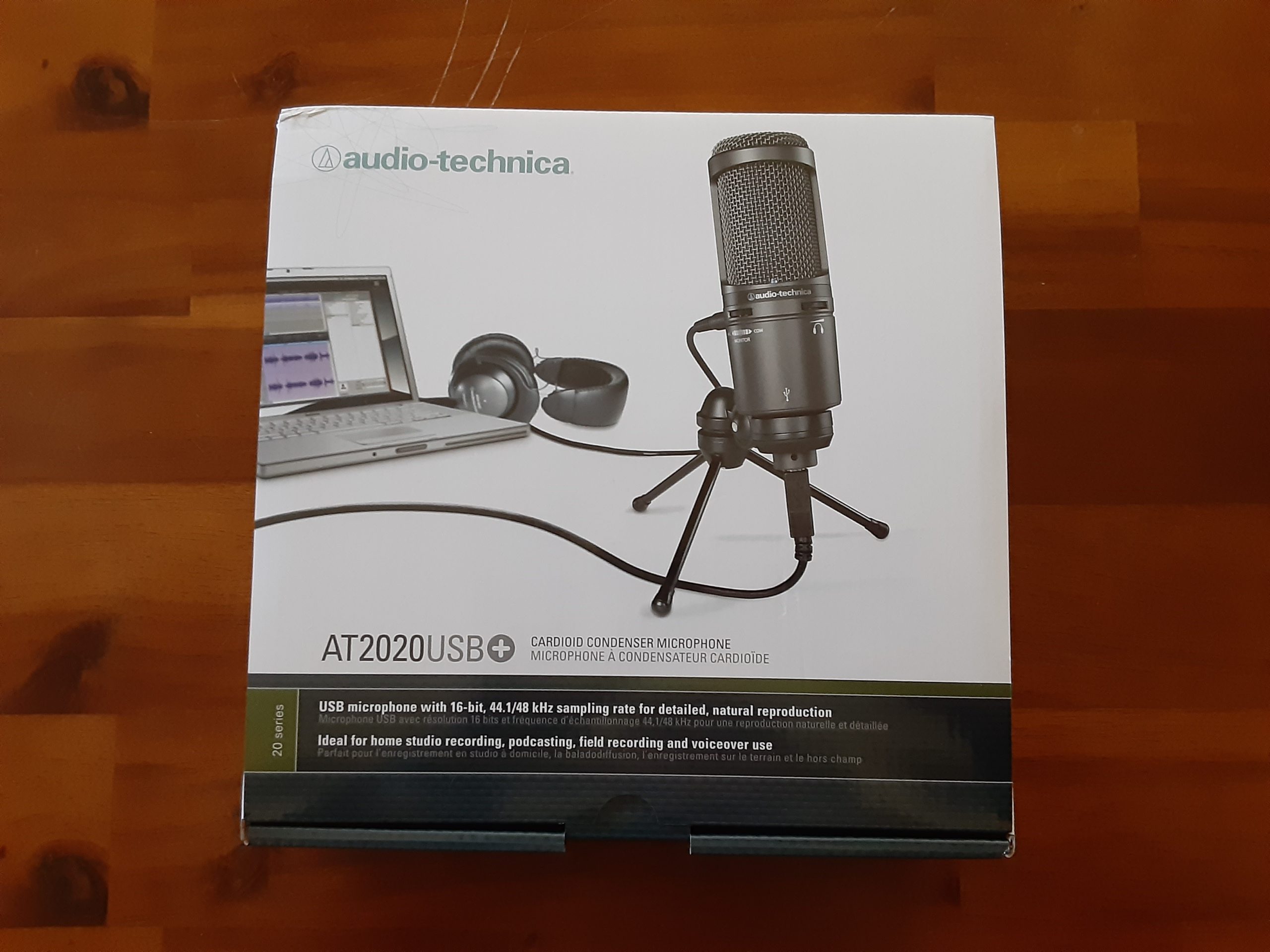
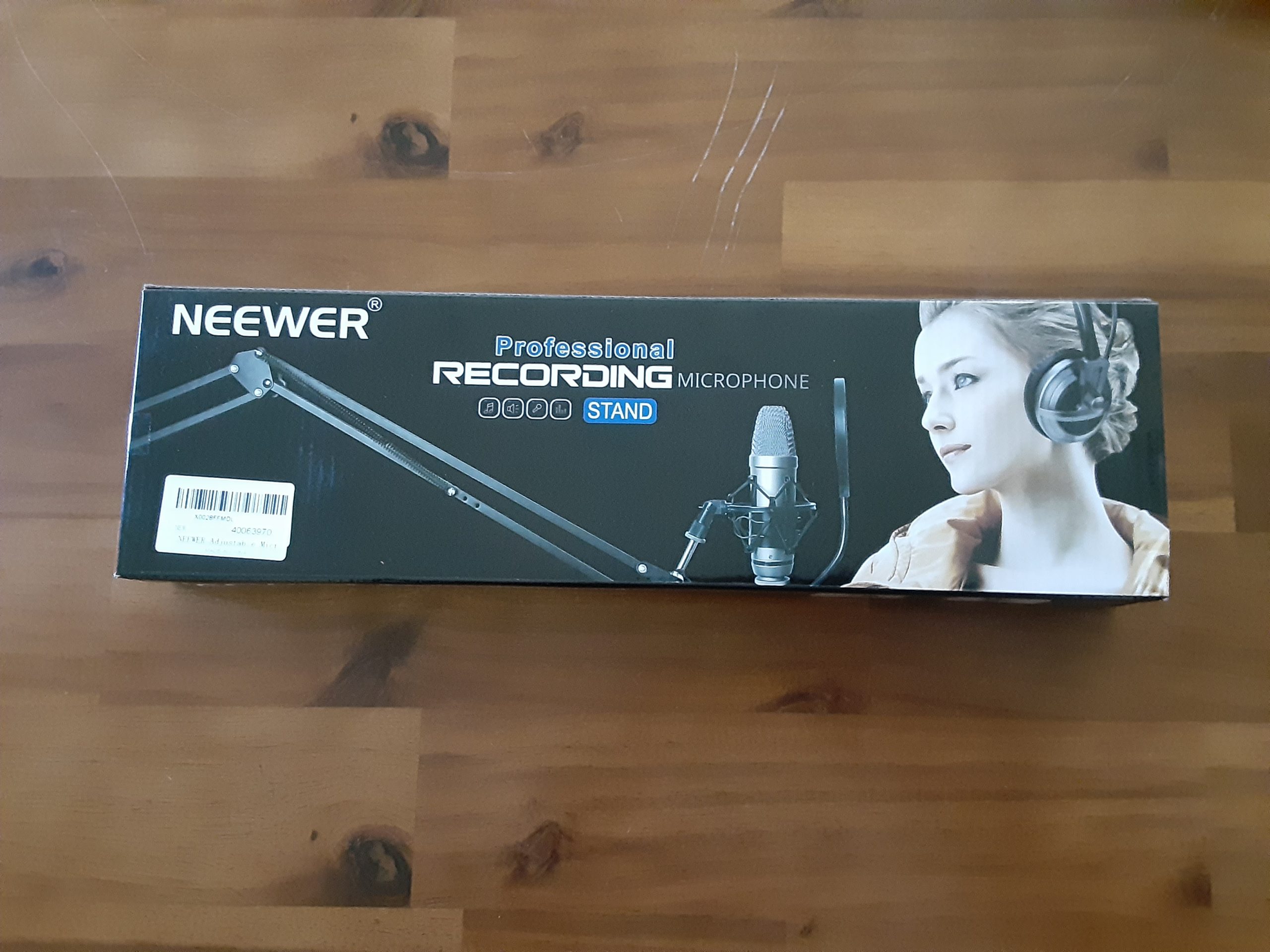
Father’s Day gifts – let the podcasting/screencasting begin!
My take on requirements for Booklist Browser app
I have created a set of requirements for an app called Booklist Browser, and for Booklists to be read by Booklist Browser. The draft requirements can be viewed on this Github issue. This is my contribution to the conversation I tried to start in this blog post on Federated Bookshelves. Input from others would be welcome!
Requirement brainstorm and some tools for Federated Bookshelves
I summarized requirement-type information from a number of posts on the Federated Bookshelves/Library JSON idea, see the Github repo for details. If anyone is interested in participating in a conversation on this topic, I have created a Github issue to capture comments.
Also, I found two tools today to more easily view OPML and JSON files:
- OPML Viewer – Can open an OPML file (local or online) and show original text and XML tree view
- JSON Viewer – Can open a JSON file (local or online) and show original text and object view
I added these to the tools section on the main Federated Bookshelves repo file.
Library JSON test viewer now available
I have created a test viewer for the Library JSON format as defined by Tom Critchlow. It reads a JSON file following the format and displays the elements in the JSON file. I have a working one on my website reading Tom Critchlow’s test file. I have added the HTML file for the viewer to the Federated Bookshelves Github repo.
Now that we have a simple way to view both OPML and Library JSON files, I am going to put some thoughts together on Github about the next items to work on….
The proof copy of my new book came in – need to make a few updates, but will be available soon!

A Federated Bookshelves reader
Recently, Ton Zijlstra wrote about the concept of “federated bookshelves”, in which he referenced a post by Tom Critchlow on a similar concept called “Library JSON”. I have played with this idea based on Ton’s proof of concept. I also read through the postings flowing from Tom Crichlow’s post in 2020, and the ones from Ton Zijlstra’s post this year, and thought it would be helpful to provide a chronology of the development of this idea. To this end, I have created a Github repo with a chronology and links to tools and other distributed book info concepts that I have come across in reading on this topic. Pull requests and other comments are welcome! I am planning to spend more time on this in the next few weeks, so hopefully more prototypes and ideas to come….