This morning, Dave Winer published a long post about the new Blurt theme available on WordPress.com. He comments on how this theme competes with his WordLand application, which provides a streamlined editor interface for WordPress blogs, saying “…most of the things it advertised for were very much part of the pitch for wordland.” I am sorry to have to bring this up, but there are a lot of features within WordLand that are not a part of this theme, so this is a poor comparison. There are also many other issues with this post, so let’s get started with a review.
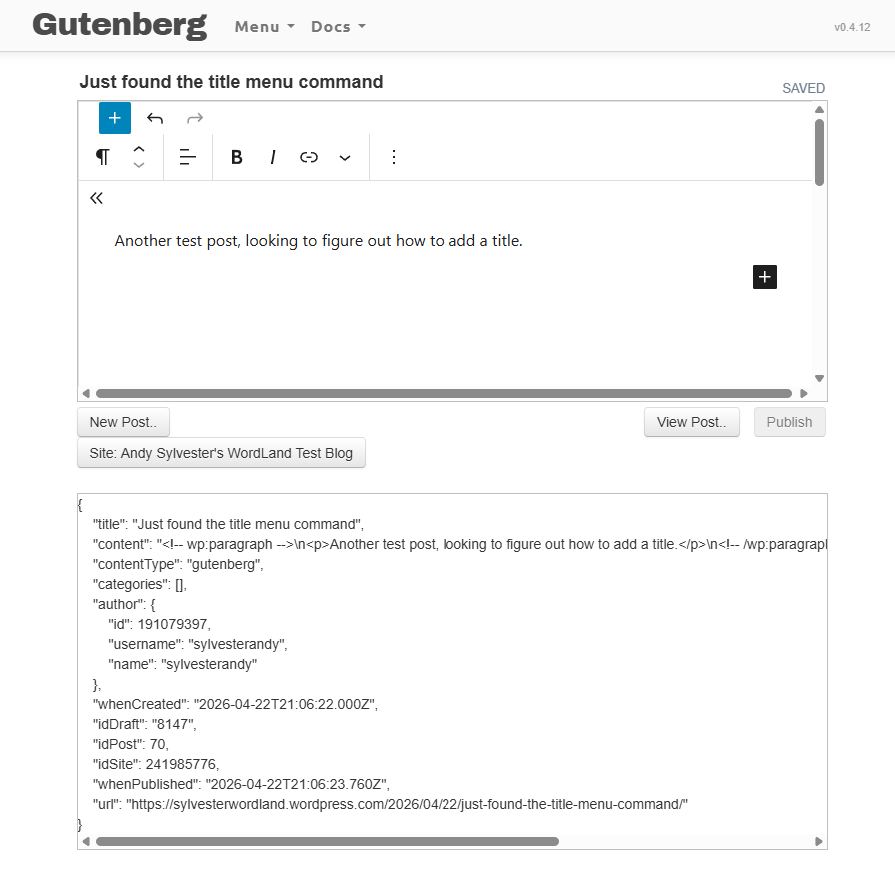
I created a test site to see what the editing interface was like. My first impulse was to click on the “plus” sign at the top, since that is an accepted WordPress shortcut to add a new post. This action brought up the familiar WordPress Gutenberg editor user interface. I typed a short phrase and posted it. The look and feel of posts published on the theme is very similar to Twitter. It also offers a comment text box for reader to add comments.
Next, I decided to explore the menu on the left side of the site. The Compose link brought up a familiar posting interface (i.e., “just like Twitter”). I entered a test post there. I then created another test post to see if I could do any linking or styling of the text, but I could not. This is a key feature of WordLand, so points to Wordland here. So – better editing experience with WordLand, ability to post like on Twitter with Blurt. It’s difficult for me to see how Blurt competes with WordLand.
On the Blurt topic, Andrew Shell says this was a theme put together by two WordPress developers in a week as part of an internal WordPress project called “Radical Speed Month”. From Dave’s response, I assume he does not know the developers and/or has not worked with them, since he did not know this new theme was coming. So what? Who cares? Go do something better, or different!
The majority of Dave’s post complains about how Automattic should have worked with him on this Blurt thing, and on his WordLand project, and how they should act as a “banker and distributor“, and not compete with developers on product development. My response – why should Automattic be working with him and providing him development support, or anyone else for that matter? They are an independent company with their own goals and directions. From historical items in his post, Dave recounts a number of examples where he developed a product and the “platform vendor” built something on his ideas, or did not work with him. Again – so what? Who cares? I think Dave should take a look at this Jason Alexander video talking about actors waiting for someone to hire them, and replace the word “actor” with “software developer”. Go build out the vision for WordLand that you wrote about in September 2025. We’ve been waiting for eight months, where is it?