
I use my RSS reading app to graze stories from the feeds I am following. After scrolling through the list, I have a set of browser tabs open to read. After reading, usually I have several tabs (or perhaps a lot of tabs) for which I would like to save the links. Many times in the past, I have copied them to a “link dump” file. However, another approach is to use a linkblogging tool to capture the links.
My tool of choice in this situation is MyStatusTool (my live version is here). Here is a screenshot from my phone browser:
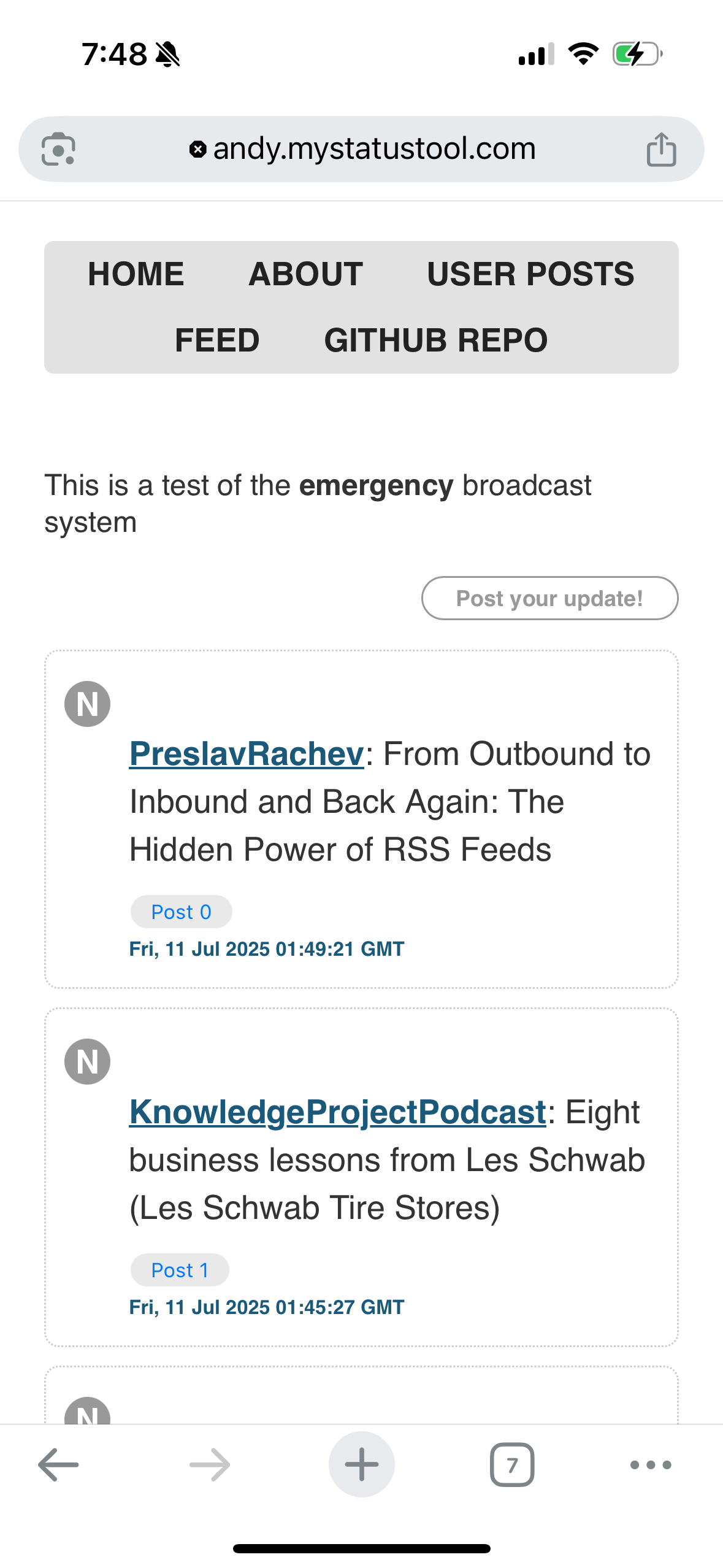
The area above the “post your update” button is the text area to enter a post. MyStatusTool uses the medium-editor toolbar to make it easy to add a link. The most difficult thing is to select the link text and get the medium-editor toolbar to appear (usually I double-tap the text). It is also best to only link to a single word (again, selecting several words as the link text can be difficult). The tool also creates a view of user posts, so you can review just your posts and not all of the content from subscribed feeds.
If anyone is interested in installing MyStatusTool, let me know! More information is available at The Feed Network.